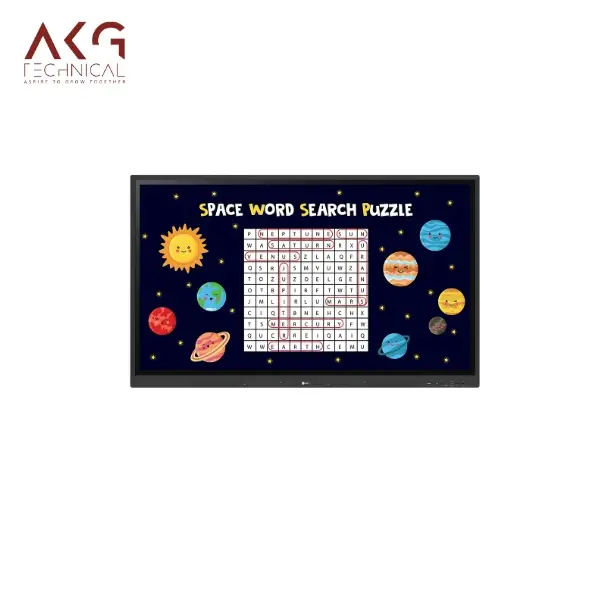
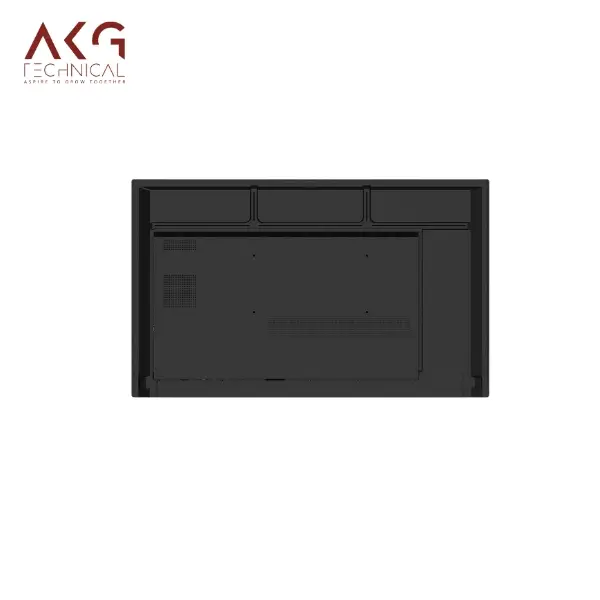
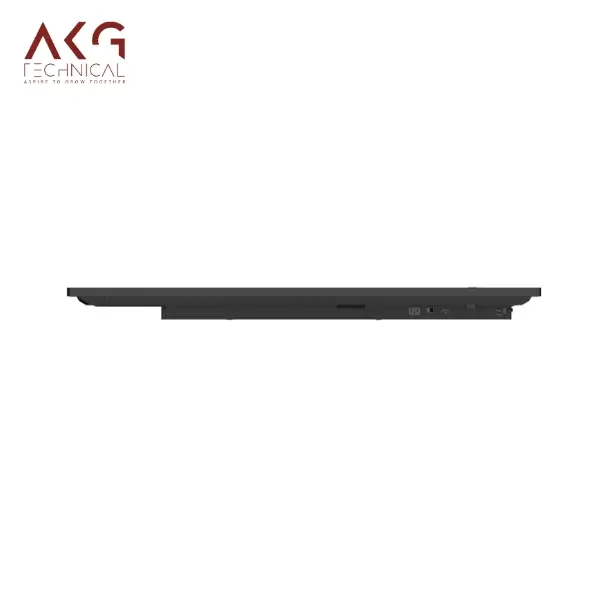
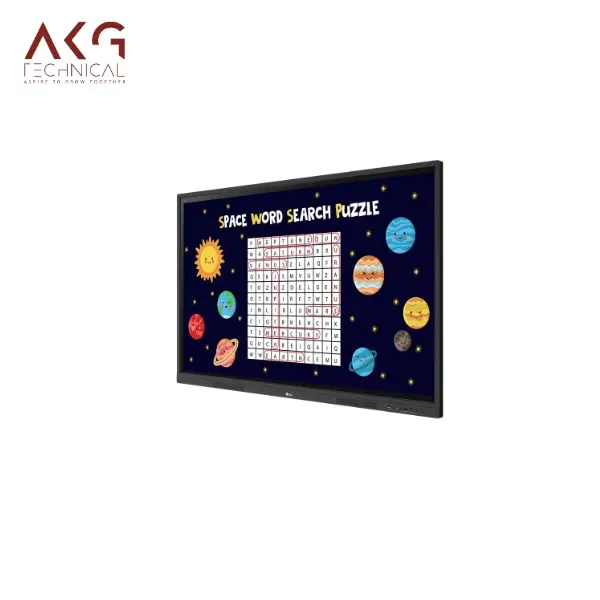
LG CreateBoard is equipped with scales or rulers, tables and sticky notes so that the students can be more engaged and learning can be more natural without too much effort taken by the students. LG CreateBoard possesses the capability of incorporating up to 40 touches concurrently for better engagement. It is easy to import and export stuff from LG CreateBoard. It is possible to share up to 9 screens/files at a go through the installed LG CreateBoard Share app. It is a cloud application for managing, monitoring and controlling over LG CreateBoard stationed in a classroom or an education center. It provides the capability to the users of power on/off, setting time specifications along with brightness and screen’s locks. Using Lg ConnectedCare DMS a variety of messages or content can be sent from one main device to other devices inside a classroom. Users can set limits on parameters for their devices like display temperature, memory consumption, or input signal, and get alerts concerning warnings/errors. Engineers can view conditions/detection and locate the system flaws onsite or away from the region. It is possible to manage issues through Lg ConnectedCare DMS without the need to be locally present. LG CreateBoard can connect to the speakers, mice, and keyboards wirelessly, thus one can communicate with the board. USB-C connection simplifies the task of switching between devices that provide charging and data transfer. The QR code on the home screen enables a simple personal device verification, thus reducing the time of getting ready for the classes. LG CreateBoard has been designed to have a flicker free function which increases the comfort of the user when this device is used for prolonged periods. Built in display ports and speakers on the front enhance content delivery with great sound delivery experience. ***OPS Player for LG CreateBoard is available as a separate purchase only.The Smart Viewing feature in intelligent displays improves the effectiveness of a teacher as it is capable to show several contents at the same time.The device automatically goes into the standby mode when no signal input has been received during a defined duration.
About this item Teaching Templates:- LG CreateBoard is equipped with scales or rulers, tables and sticky notes so that the students can be more engaged and learning can be more natural without too much effort taken by the students. Multi-touch:- LG CreateBoard possesses the capability of incorporating up to 40 touches concurrently for better engagement. Easy to Save / Import / Export:- It is easy to import and export stuff from LG CreateBoard. Wireless ScreenShare:- It is possible to share up to 9 screens/files at a go through the installed LG CreateBoard Share app. LG ConnectedCare DMS:- It is a cloud application for managing, monitoring and controlling over LG CreateBoard stationed in a classroom or an education center. Remote-control / Scheduling:- It provides the capability to the users of power on/off, setting time specifications along with brightness and screen’s locks. Broadcasting / Alert Messaging:- Using Lg ConnectedCare DMS a variety of messages or content can be sent from one main device to other devices inside a classroom. Threshold Settings:- Users can set limits on parameters for their devices like display temperature, memory consumption, or input signal, and get alerts concerning warnings/errors. Monitoring & Fault Diagnosis:- Engineers can view conditions/detection and locate the system flaws onsite or away from the region. Issue Management:- It is possible to manage issues through Lg ConnectedCare DMS without the need to be locally present. Bluetooth Connectivity:- LG CreateBoard can connect to the speakers, mice, and keyboards wirelessly, thus one can communicate with the board. C-type Connection:- USB-C connection simplifies the task of switching between devices that provide charging and data transfer. QR Login for Easy Cloud Access:- The QR code on the home screen enables a simple personal device verification, thus reducing the time of getting ready for the classes. Advanced Eye-Care:- LG CreateBoard has been designed to have a flicker free function which increases the comfort of the user when this device is used for prolonged periods. Front Connectivity Design:- Built in display ports and speakers on the front enhance content delivery with great sound delivery experience. Built-in OPS Slot:- **OPS Player for LG CreateBoard is available as a separate purchase only. Smart Viewing:- The Smart Viewing feature in intelligent displays improves the effectiveness of a teacher as it is capable to show several contents at the same time. Power Saving:- The device automatically goes into the standby mode when no signal input has been received during a defined duration.
Reviews (0)
Customer Reviews & Feedback
No reviews yet. Be the first!